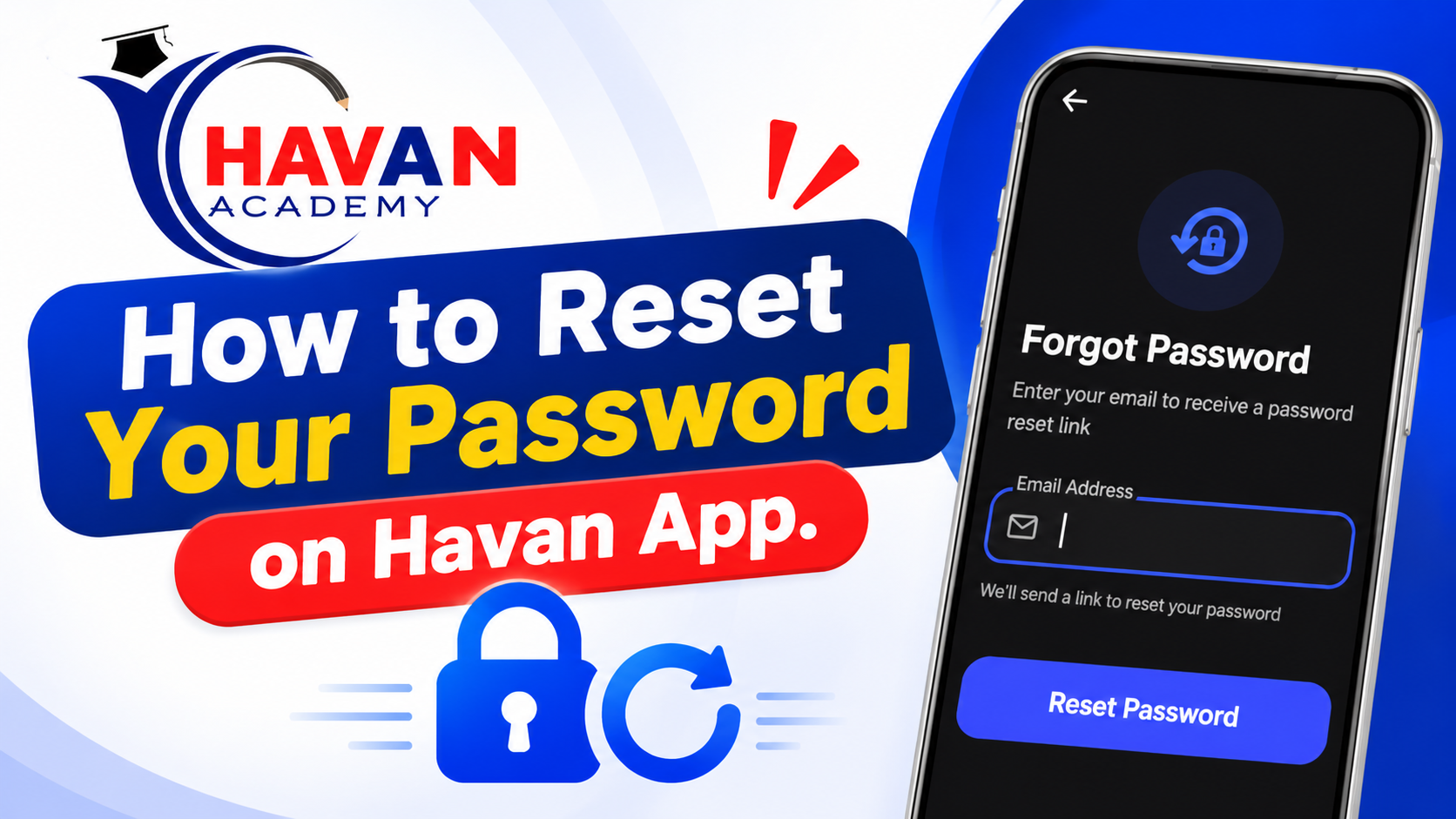
How to Reset Your Password on Havan Academy App
Forgot your password and can't access your Havan Academy account? Don't worry! You can easily reset your password using either the Havan Academy website or mobile app by following these simple steps.
Follow These Steps:
1. Open Havan Academy
Visit our website or open the Havan Academy app and navigate to the login page.
2. Click on "Forgot Password"
Select the Forgot Password option to begin the password reset process.
3. Enter Your Registered Email Address
Type the email address you used when registering your Havan Academy account.
4. Click "Send Reset Link"
After entering your email, click the Send Reset Link button. A password reset link will be sent to your email.
5. Check Your Gmail Inbox
Open your Gmail app and look for an email from Havan Academy App.
- Check your Primary Inbox first.
- If you don't find it, check your Spam folder.
- Alternatively, simply search for "Havan" in your Gmail search bar.
6. Create a New Password
Open the email, click the password reset link, and follow the instructions to set your new password.
7. Log In Again
Return to the Havan Academy app and log in using your registered email address and new password.
Need Help?
If you encounter any difficulties while resetting your password, don't hesitate to contact our Havan Academy Support Center on Telegram. Our support team will be happy to assist you.
Havan Academy : Your Freshman Journey, Our Commitment!
